
Why “Passing Lighthouse” Doesn’t Mean Your Site Is Accessible

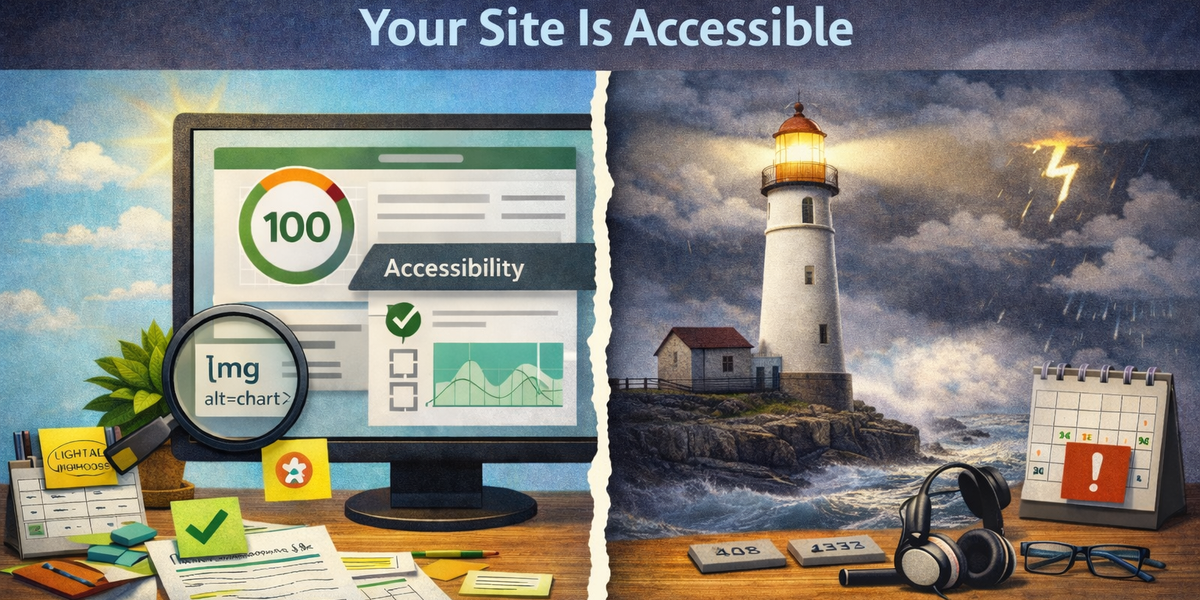
Google Lighthouse is a useful tool.
- It’s fast.
- It’s integrated into Chrome DevTools.
- It gives you a clean score.
- It even labels things “Accessibility.”
And that’s exactly why it’s often misunderstood.
A high Lighthouse accessibility score does not mean your website is accessible.
It means something much narrower.
Let’s unpack what Lighthouse actually does - and what it doesn’t.
What Lighthouse Accessibility Actually Tests
Lighthouse runs automated checks powered largely by axe-core, along with a few additional heuristics.
It looks for things like:
- Missing alt attributes on images
- Form inputs without associated labels
- Low color contrast ratios
- Missing ARIA attributes
- Incorrect ARIA usage
- Missing document language
- Basic semantic issues
These are important checks.
They catch:
- Objective, machine-detectable violations
- Structural markup problems
- Obvious WCAG failures
But that’s the key phrase:
Machine-detectable.
Lighthouse tests what can be determined from the DOM and computed styles — not what a human actually experiences.
The Fundamental Limitation: Static DOM Analysis
Lighthouse evaluates a snapshot of the page.
It analyzes:
- The rendered DOM
- Accessibility tree exposure
- ARIA roles and attributes
- Contrast calculations
- Focusable elements
But it does not deeply test:
- User interaction flows
- Complex dynamic state transitions
- Keyboard traps introduced after interaction
- Conditional rendering patterns
- Multi-step forms
- Authenticated content
- SPA route changes
Accessibility problems often live in interaction - not markup.
Example 1: “Valid” Alt Text That Says Nothing
Lighthouse checks whether images have an alt attribute.
It does not evaluate whether the alt text is meaningful.
Example:
<img src="chart.png" alt="image">This passes the automated check.
But for a screen reader user, “image” is useless.
From Lighthouse’s perspective: ✔
From a human perspective: ✘
Automation cannot judge intent or context.
Example 2: Keyboard Navigation Beyond Tab Order
Lighthouse checks whether elements are focusable and whether interactive elements are properly labeled.
It does not simulate:
- Full keyboard-only navigation
- Arrow key interaction in custom components
- Logical focus order through complex UI states
- Focus restoration after modal close
- Conditional visibility of elements
A site can:
- Score 100
- Still trap focus inside a modal
- Still skip critical controls in keyboard flow
Because those issues often require runtime interaction testing — not static analysis.
Example 3: ARIA That Looks Correct but Behaves Incorrectly
Lighthouse can detect missing ARIA roles.
It cannot detect:
- ARIA roles that conflict with behavior
- Inconsistent aria-expanded state updates
- Broken aria-controls relationships during dynamic rendering
- Screen reader announcements that don’t match visual state
ARIA is semantic glue - but it must reflect reality.
If JavaScript changes state without updating ARIA attributes correctly, Lighthouse may still pass.
Example 4: Accessible in Isolation, Broken in Workflow
Lighthouse tests a single page at a time.
Accessibility failures often emerge across:
- Multi-page checkout flows
- Login → dashboard transitions
- Error handling states
- Conditional rendering branches
- Client-side routing
A page can individually pass.
The journey can still fail.
Accessibility is systemic - not page-scoped.
The Scoring Illusion
The Lighthouse score creates a psychological problem.
It looks authoritative.
90+ feels safe.
100 feels perfect.
But the score reflects:
- Only automated checks
- Only what can be programmatically verified
- Only what is present at evaluation time
It does not reflect:
- Manual testing
- Assistive technology behavior
- Cognitive load
- Real-world user friction
- Regression risk over time
A 100 score can coexist with serious accessibility barriers.
Lighthouse Is Not the Enemy
This is not an argument against Lighthouse.
It’s valuable for:
- Catching obvious regressions
- Enforcing baseline standards
- Integrating into CI pipelines
- Educating teams about basic issues
- Automating repeatable checks
The problem isn’t Lighthouse.
The problem is treating it as a certification.
Accessibility Is Broader Than Static Compliance
True accessibility requires:
- Keyboard-only testing
- Screen reader testing (NVDA, VoiceOver, JAWS)
- Real-world interaction checks
- Dynamic state validation
- Regression monitoring over time
- Process ownership
Automated tools (including Lighthouse) typically detect around 30–40% of WCAG issues.
The rest require human evaluation.
If your workflow ends at “Lighthouse passed,” you’ve stopped at the baseline.
The Deeper Risk
When teams rely solely on Lighthouse:
- Accessibility becomes a checkbox
- Compliance becomes a score
- Real users become invisible
- Regressions go unnoticed
Accessibility failures rarely crash production.
They degrade silently.
And most affected users don’t file bug reports.
They leave.
A Better Framing
Instead of asking:
“Did we pass Lighthouse?”
Ask:
- Can I complete this entire flow with a keyboard?
- Does focus behave predictably?
- Does state change get announced?
- Does this still work after content updates?
- What happens when JavaScript fails partially?
- What happens when zoom is set to 200%?
Lighthouse is a starting point.
It is not the finish line.
Final Thought
Passing Lighthouse means:
You avoided some common, detectable accessibility mistakes.
It does not mean:
Your site is accessible to real users in real scenarios.
Automation is necessary.
But accessibility is ultimately about interaction, behavior, and human experience - not just markup compliance.
If you stop at the score, you stop too early.