
What Automated Accessibility Tools Can - and Can’t - Detect

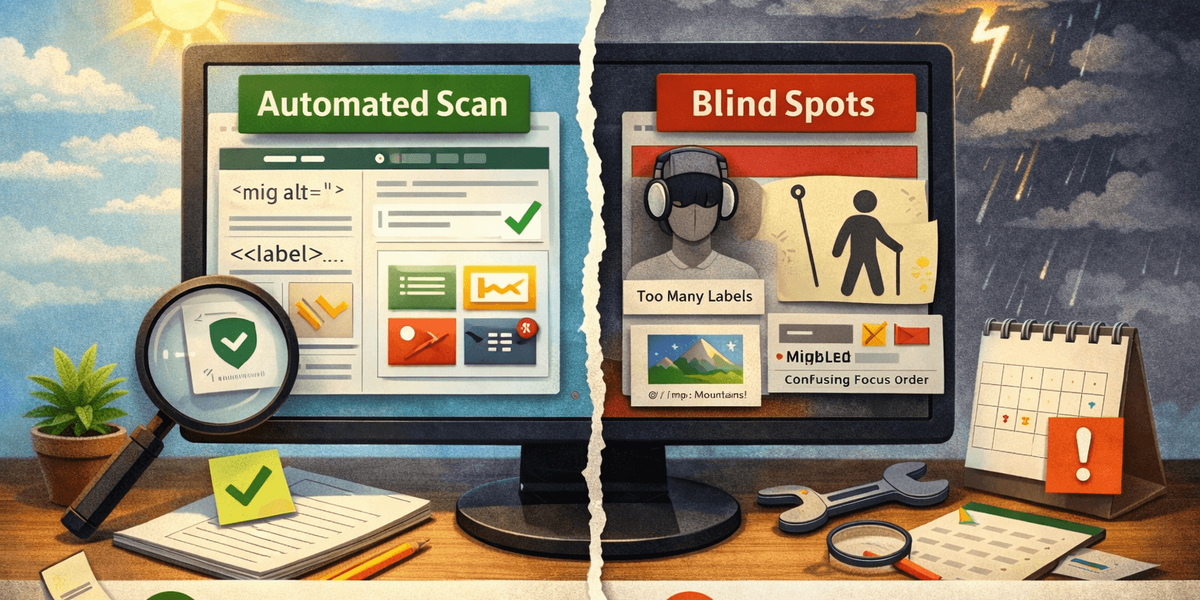
Most accessibility tools promise clarity.
What they actually provide is partial visibility — and that’s not a failure. It’s reality.
Automated accessibility testing typically detects around 30–40% of WCAG issues. When people hear that number, the reaction is often disappointment: “That’s all?” But accessibility problems aren’t purely technical, and expecting automation to catch everything misunderstands the problem.
What automated tools are good at
Automation excels at identifying objective, testable failures, such as:
- Missing form labels
- Insufficient color contrast
- Missing alt attributes
- Incorrect ARIA roles
- Obvious keyboard traps
These are real issues. They block users. And catching them automatically saves teams hundreds of hours.
Automation also provides consistency. It doesn’t forget to test a page. It doesn’t get tired. It can scan hundreds or thousands of URLs in minutes. That alone makes it indispensable.
Where automation stops helping
What automation can’t do is judge quality or intent.
A tool can tell you that an image has alt text.
It cannot tell you whether that alt text is meaningful.
A tool can confirm that focus moves via keyboard.
It cannot tell you whether the focus order makes sense to a human being.
A tool can flag headings.
It cannot tell you whether the content hierarchy is logical.
These are not edge cases. They are the majority of real-world accessibility problems.
The common misuse of accessibility tools
The biggest mistake teams make is treating automated tools as final arbiters of accessibility. A clean scan becomes a certificate. The certificate becomes reassurance. And accessibility quietly degrades again the moment content changes.
Automation doesn’t fail here — process does.
The right way to use automation
Automated testing is not a verdict.
It’s an early warning system.
Used correctly, it:
- Catches regressions early
- Highlights high-risk areas
- Reduces the scope of manual reviews
- Creates a baseline you can improve over time
Accessibility improves when automation is paired with:
- Human judgment
- Ongoing monitoring
- Clear ownership
Automation doesn’t replace thinking.
It gives you a place to start — and that’s valuable.