
The Most Common Accessibility Issues We See in Real Websites

Most accessibility issues aren’t exotic edge cases.
They’re ordinary mistakes, repeated across thousands of websites.
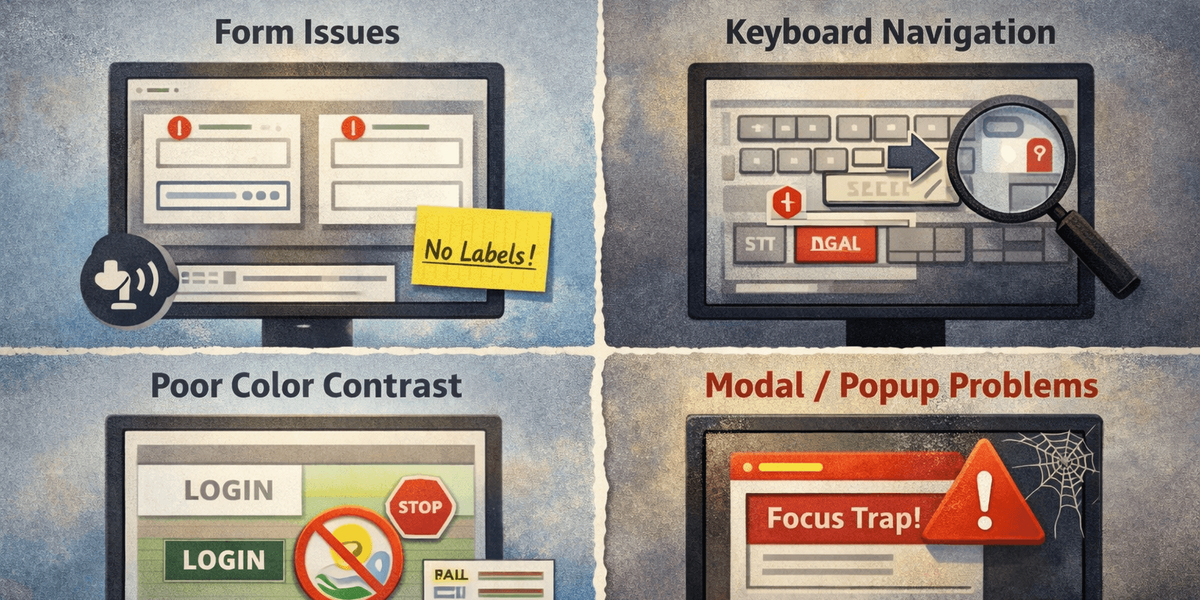
1. Forms without usable labels
Inputs may look fine visually but lack programmatic labels. Screen reader users hear “edit text” with no context. Keyboard users get lost. Forms remain one of the most consistently broken parts of the web.
2. Keyboard navigation that technically works — but makes no sense
Focus moves, but in a confusing order. Important elements are skipped. Interactive components trap users unexpectedly. These issues are hard to spot without deliberate testing.
3. Color contrast “fixed” after design approval
Contrast adjustments often happen late, inconsistently, or not at all. Even small visual tweaks can push text below acceptable thresholds.
4. Modals and overlays
Modals frequently:
- Steal focus
- Trap focus
- Hide content from assistive technologies
- Break keyboard navigation
They are one of the most common sources of severe accessibility failures.
5. Third-party scripts
Cookie banners, chat widgets, analytics tools — often added without accessibility review — introduce issues teams didn’t create and don’t control.
Why these problems persist
Not because teams don’t care.
They persist because:
- No one is continuously looking
- Responsibility is unclear
- Accessibility isn’t part of routine checks
These issues aren’t hard to fix once identified. The challenge is noticing them before users do.